Gaming Room Setup Ideas Every Gamer Will Love
Creating a dedicated space for gaming is about more than just finding a place for a desk; it is about building an environment that fuels focus and relaxation. When the lighting hits the right hue and the hardware is perfectly aligned, the immersion level shifts from a simple hobby to a truly transformative experience. A well-considered layout removes distractions and places every tool within easy reach, allowing the player to disappear into their favorite digital worlds without friction.
Exploring different gaming room setup ideas every gamer will love helps bridge the gap between a cluttered desk and a professional-grade battle station. Whether the goal is a minimalist aesthetic or a neon-soaked retreat, the right combination of ergonomics and personal flair ensures that every session feels like an event. By focusing on specific materials and smart spatial choices, any room can become a high-performance sanctuary that looks as good as it functions.
1. Matte Black L-Shaped Desk
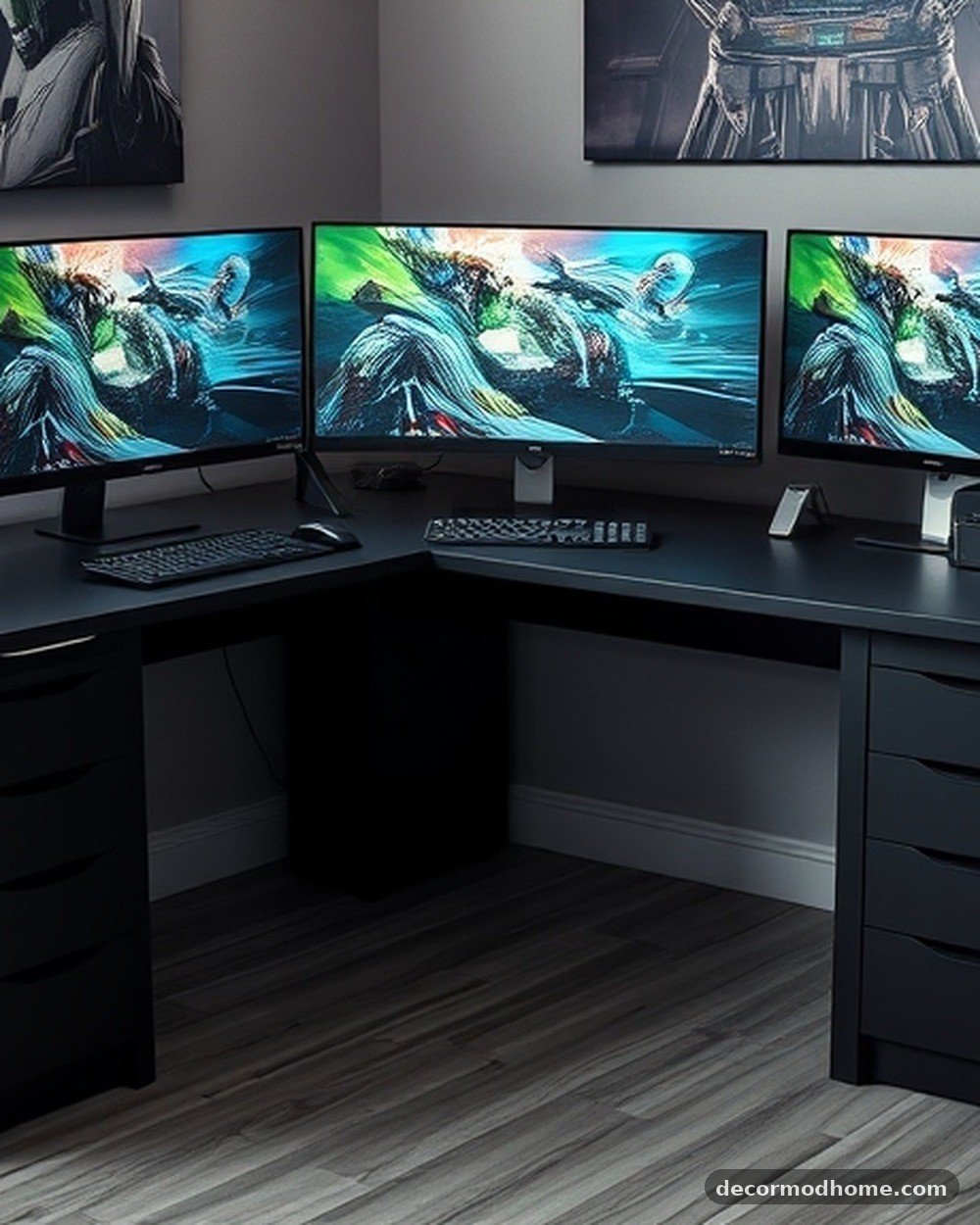
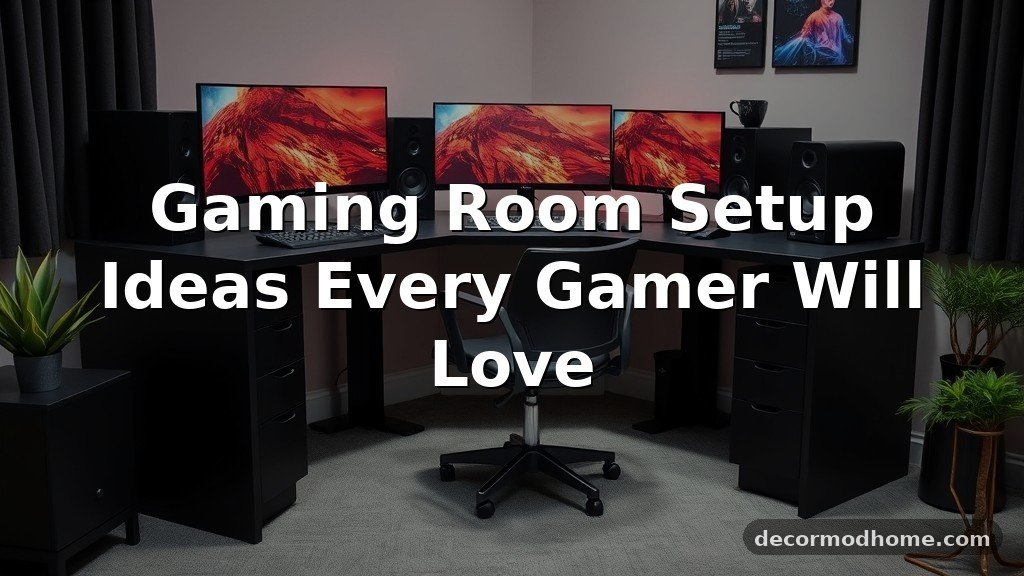
A large, matte black L-shaped desk provides a massive surface area while tucking neatly into a corner. The powder-coated steel frame offers a sturdy base for multiple monitors, while the dark finish absorbs light to prevent glare during intense sessions. This layout maximizes the footprint of gaming room ideas for small rooms by utilizing corner space that often goes to waste.
One gamer set up three 27-inch monitors on the long side of the L-shape while keeping their console and a laptop on the shorter wing. This created a seamless transition between work and play without needing to move any heavy hardware.
2. RGB Hexagon Wall Tiles
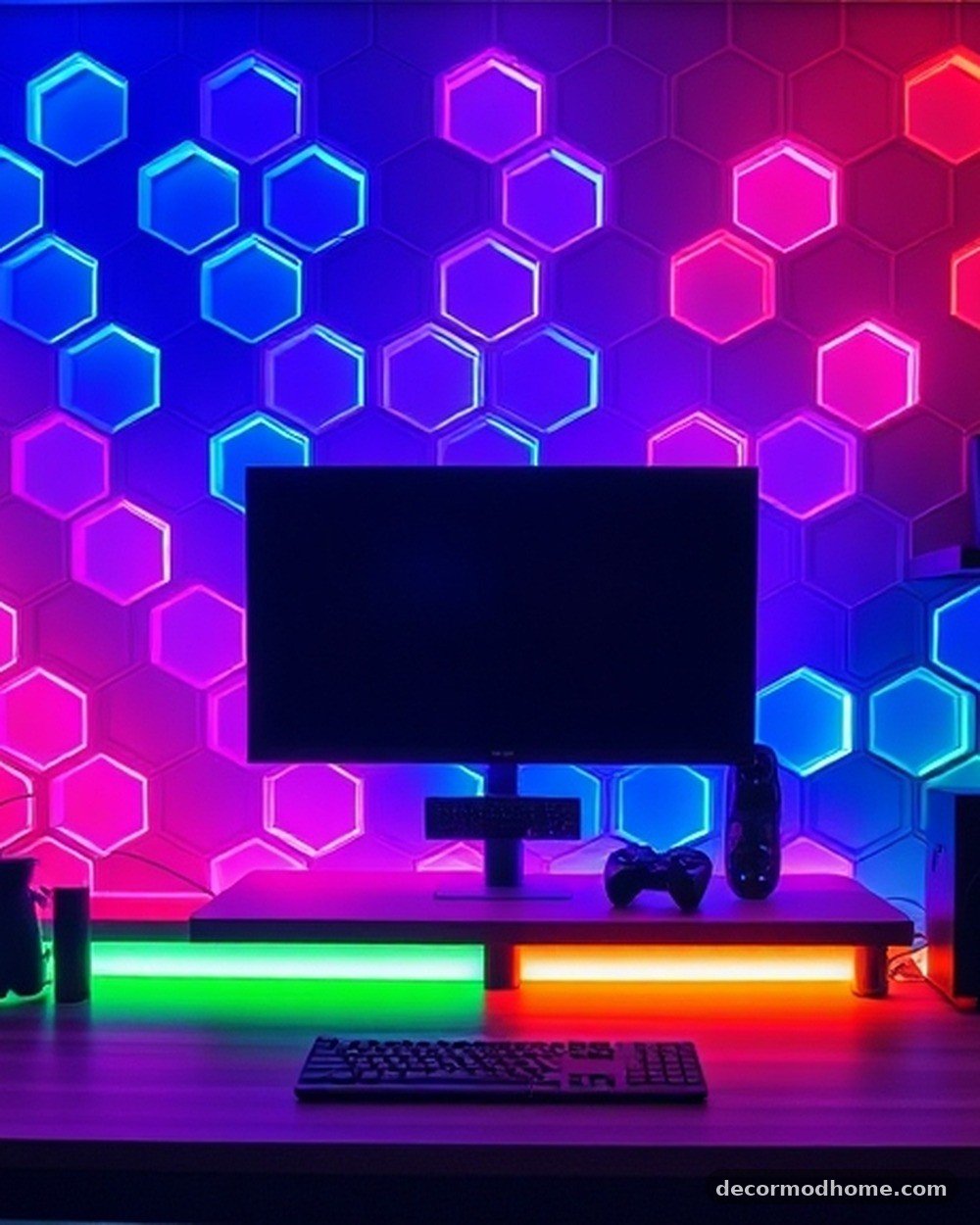
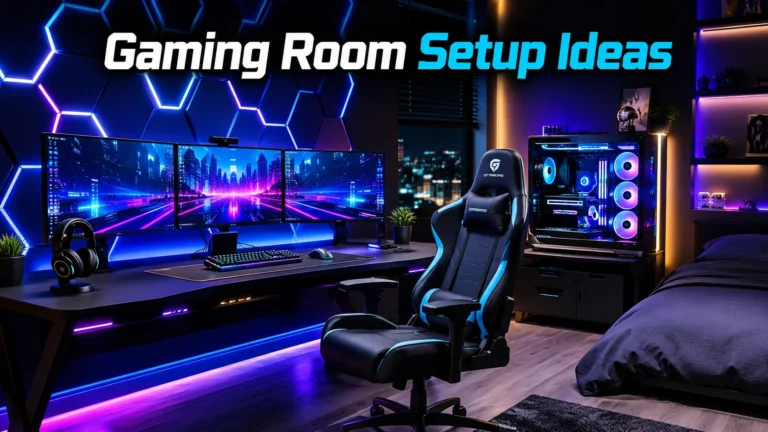
These snap-together plastic tiles mount to the wall using adhesive strips and can be arranged in custom honeycombs or abstract lines. Each tile is touch-sensitive or controlled via an app to change colors, providing a soft, ambient glow that replaces harsh overhead lighting. The modular nature allows for a personalized art piece that doubles as a light source.
A streamer arranged twenty panels into a sharp lightning bolt shape directly behind their monitor. They set the tiles to a deep purple pulse that matched their keyboard’s backlight, creating a cohesive visual theme for their viewers.
3. White Metal Pegboard Organizer
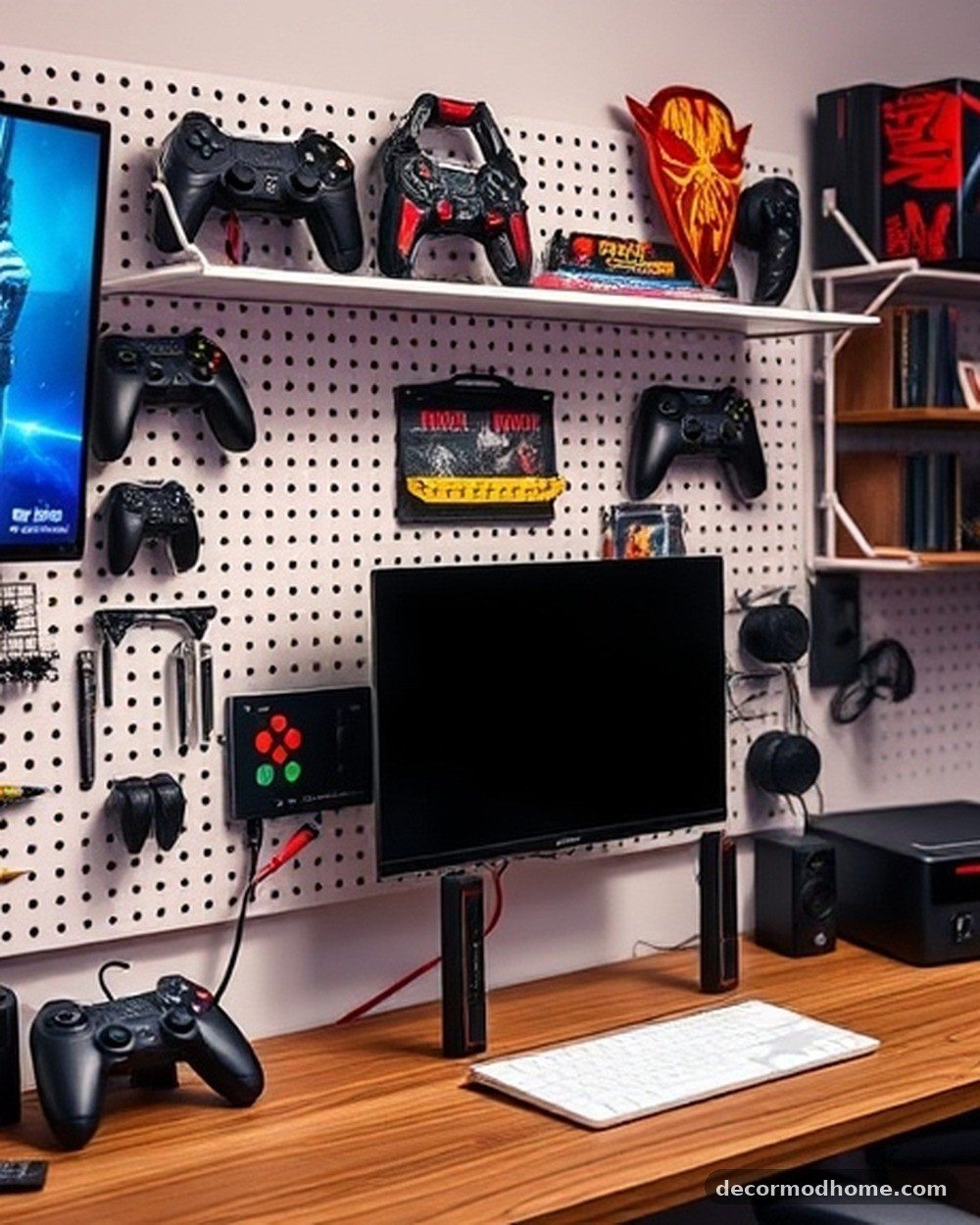
A wall-mounted white metal pegboard with various hooks and trays keeps peripherals off the desk surface. It is the perfect place to hang wireless headsets, spare controllers, and mechanical keyboards. This setup turns functional gear into a visual display and is easy to install on any flat wall with a few standard screws.
By placing the pegboard directly above the PC tower, a user kept their charging cables coiled neatly and their most-used controller within arm’s reach. It turned a messy pile of tech into a clean, vertical gallery of their favorite gear.
4. Charcoal Grey Acoustic Foam Tiles
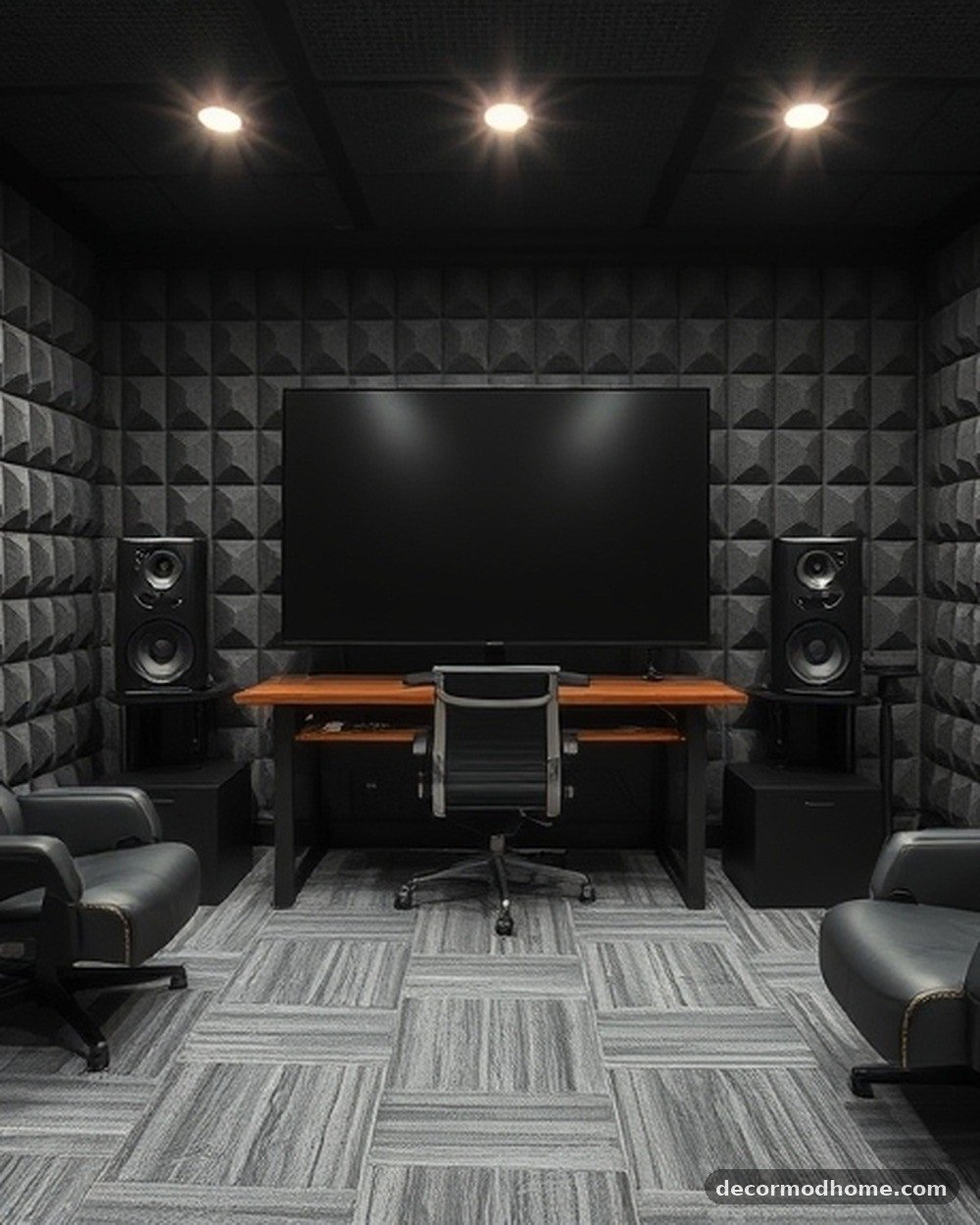
These 12×12 inch beveled foam squares are applied to the wall in a checkerboard pattern using spray adhesive or command strips. They reduce echo and dampen sound, which is essential for clear microphone audio or late-night sessions. The charcoal grey texture adds a professional, studio-like depth to the room’s aesthetic.
A competitive player lined the wall behind their microphone with these tiles to eliminate the hollow sound in their high-ceilinged bedroom. The result was crystal-clear communication with teammates and a much moodier, more focused atmosphere.
5. Floating Walnut Shelves with LED Backlighting
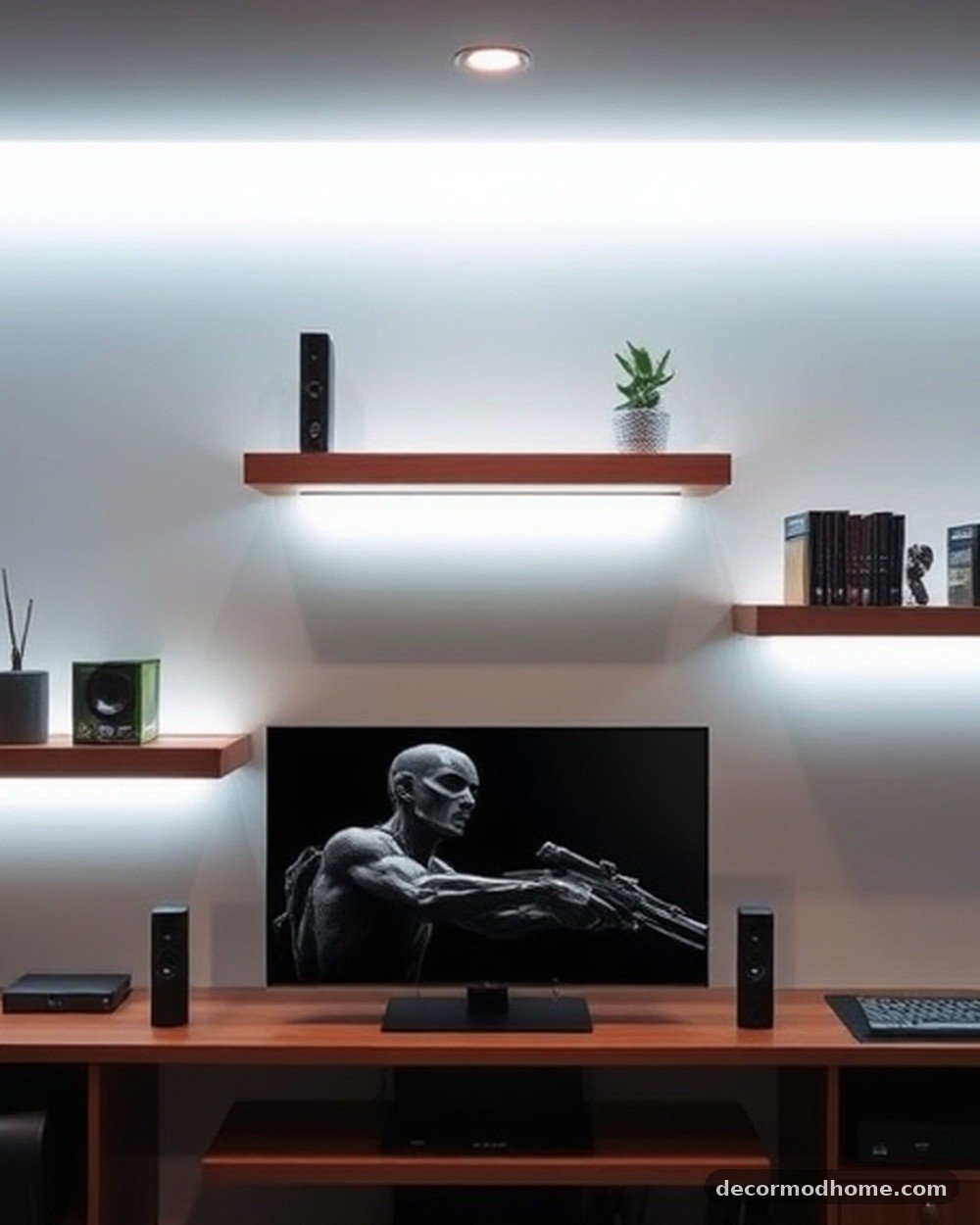
Thick walnut wood shelves mounted with hidden brackets provide a warm, natural contrast to cold tech components. Adding a thin, adhesive LED strip to the underside illuminates the items displayed on the shelf below. These are ideal for showcasing retro consoles, limited-edition game boxes, or collectible figurines.
Picture a row of three shelves holding a vintage SNES collection. The warm white glow from the hidden LEDs highlights the grey plastic of the classic hardware, making the collection look like a museum exhibit rather than just storage.
6. Ergonomic Mesh Racing Chair with Neon Accents
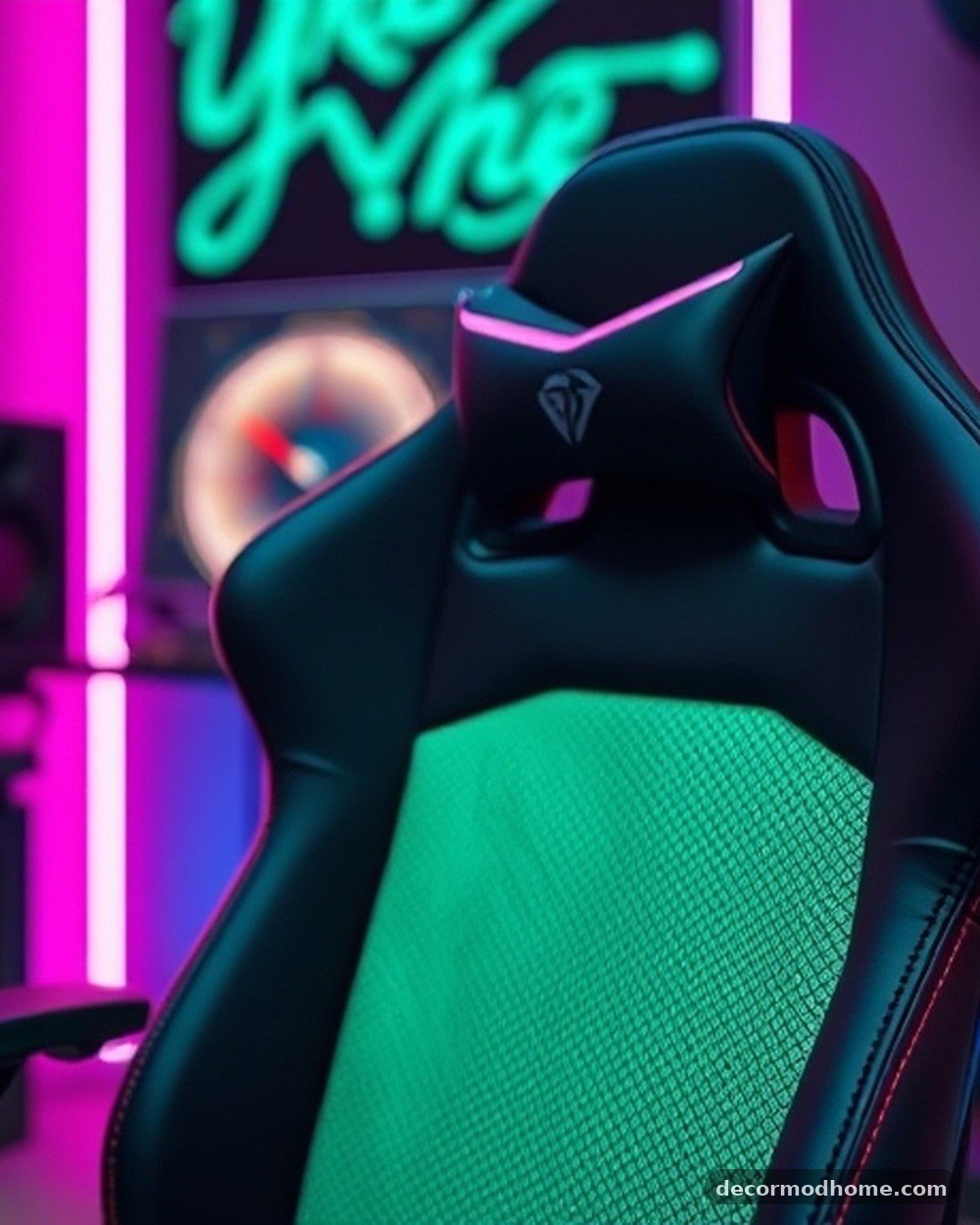
A high-back chair featuring breathable black mesh and vibrant neon green or blue trim offers superior lumbar support. The five-star nylon base and adjustable 4D armrests ensure comfort during long sessions. It is a mid-range investment that significantly improves the overall ergonomics of any PC gaming room ideas.
After switching from a standard wooden kitchen chair to a mesh racing seat, one user found they could play for four hours without the usual lower back stiffness. The neon green stitching also perfectly complemented their Razer-themed desktop accessories.
7. Under-Desk Cable Management Trays
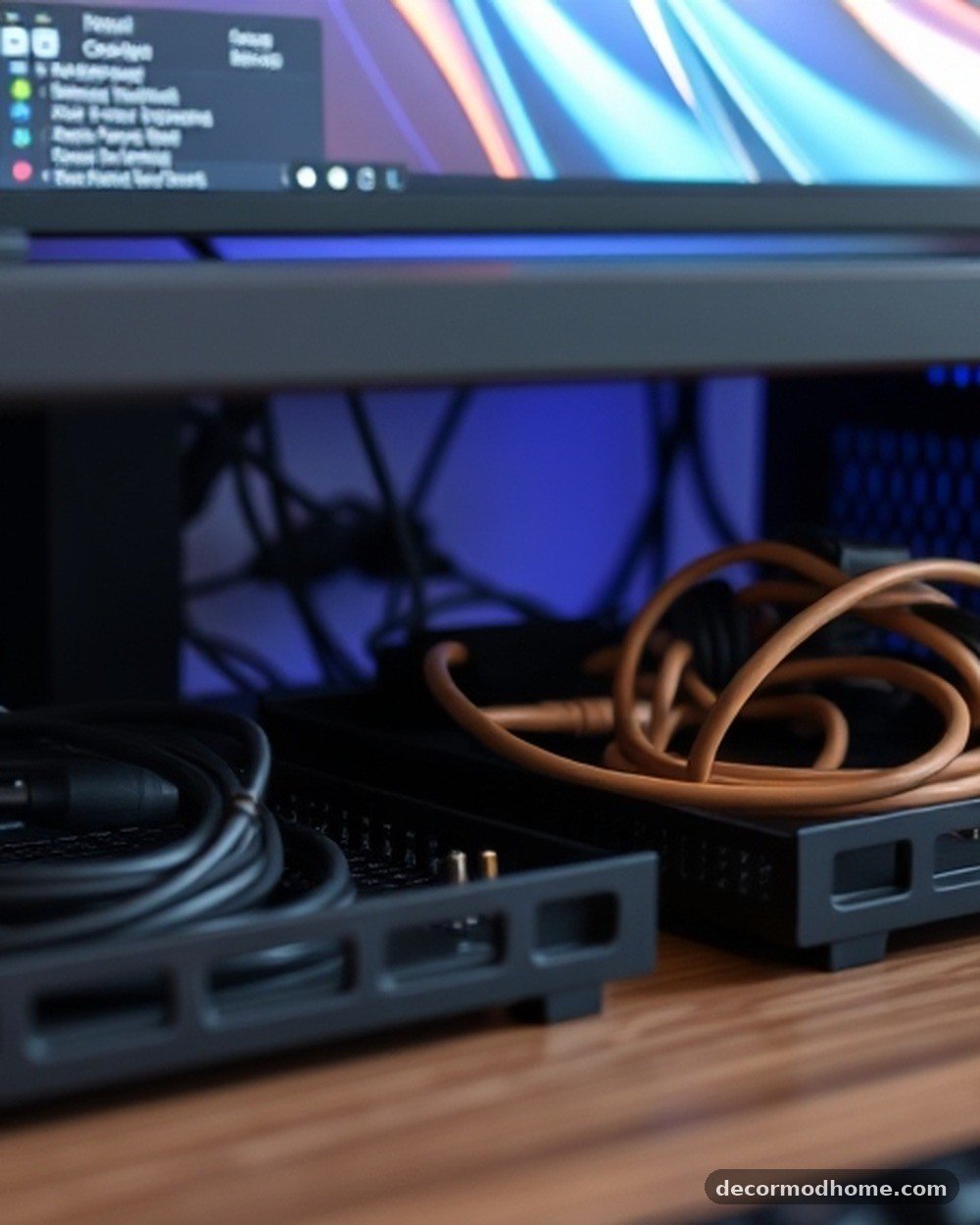
These black wire mesh baskets screw into the underside of the desk to hide power strips and tangled cords. By lifting cables off the floor, the setup looks significantly cleaner and becomes much easier to vacuum. This is a low-cost, high-impact upgrade that works for any desk style.
A cluttered mess of twenty different power cables was tucked into two of these trays, leaving nothing but a single main power cord running down the desk leg. The floor stayed completely clear, giving the room a much more spacious and organized feel.
8. Slim Silver Floor Lamp with Color Syncing
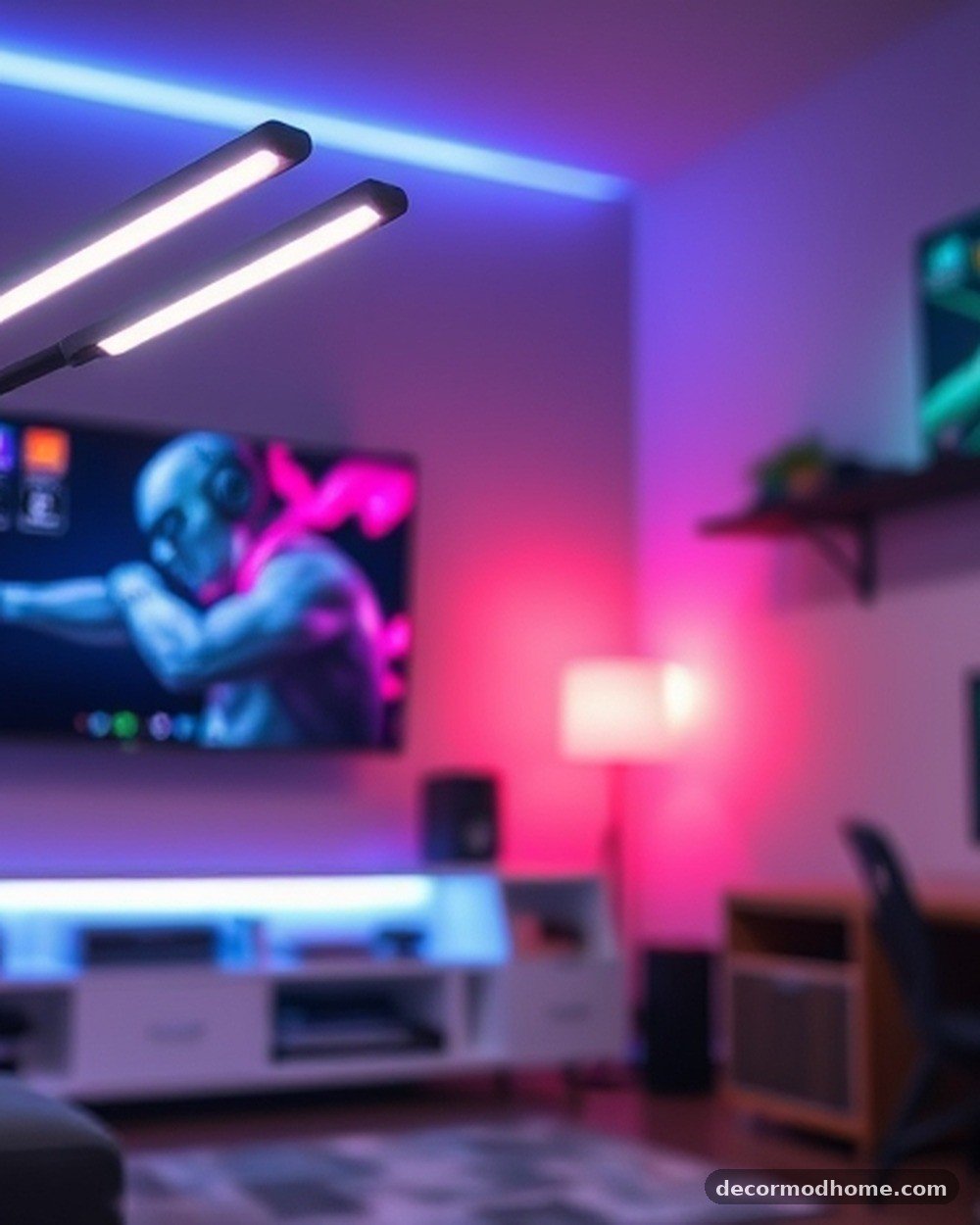
This minimalist floor lamp stands in a corner and casts light directly onto the walls rather than into the room. It features millions of color options and can be programmed to sync with the audio of a game or movie. Its thin profile makes it ideal for tight spaces where a traditional lamp would be too bulky.
Placing this lamp in the far corner of a small room made the walls appear to expand by washing them in a soft, atmospheric teal light. During a horror game, the lamp flickered red in sync with the on-screen action, heightening the tension.
Frequently Asked Questions
How can I design a gaming room in a very small space?
Focus on vertical storage and multi-functional furniture. Using wall-mounted pegboards and floating shelves keeps the floor clear, while an L-shaped desk can turn a neglected corner into a full battle station. Using light colors for the walls and furniture can also help the room feel less cramped.
What color scheme works best for a modern gaming setup?
A neutral base like matte black, charcoal grey, or white is usually best. This allows you to use RGB lighting to change the room’s color on a whim. Wood accents, like walnut or oak, can add warmth to an otherwise cold, tech-heavy environment.
Is it worth investing in expensive acoustic panels?
Acoustic treatment is worth it if you record audio, stream, or play in a room with a lot of hard surfaces. You don’t need to cover every wall; placing panels at “first reflection points” where sound bounces most will significantly improve your audio quality and reduce echoes.
How do I manage multiple power cables safely?
Use under-desk trays or cable raceways to keep cords off the ground. Always use a high-quality surge protector rather than multiple daisy-chained power strips. Labeling each cable at both ends with a small tag makes it much easier to swap hardware later without unplugging the wrong device.
Creating Your Ideal Gaming Environment
Building a custom environment is an ongoing process of refinement rather than a single weekend project. As new tech arrives and personal tastes evolve, the room should be flexible enough to adapt while remaining a sanctuary for play. Finding the right balance between high-tech accessories and cozy comforts is the secret to a space that never feels dated. Whether you are starting with a single desk or a completely empty room, focusing on organization and lighting will yield the biggest results.
When you finally implement some of these gaming room setup ideas every gamer will love, the difference in your daily routine becomes immediately apparent. A well-organized, aesthetically pleasing space reduces stress and lets you focus entirely on the game world. Start with one small corner or a single lighting upgrade, and watch how the entire atmosphere of your home begins to transform. If you have a favorite piece of gear or a unique layout that works for you, feel free to share your own setup tips with the community.